
Absolutely Nothing
A digital gag gift for a friend who says they want nothing: one opaque, near-white 1024 × 1024 PNG with subtle tonal variation. Not a certificate or physical item.
- Format
- PNG
- Status
- Available
$5.00
Buy original digital tools directly from Digital Asset Nexus.
Nexus Visuals
Browse one current opaque, near-white PNG and practical guides for visual asset dimensions, transparency, and image formats. Check the product page for availability, exact files, compatibility, and license before choosing.
Product catalog
A digital gag gift for a friend who says they want nothing: one opaque, near-white 1024 × 1024 PNG with subtle tonal variation. Not a certificate or physical item.
$5.00
Practical guidance

visual assets
Compare PNG and satirical PDF gag gifts. Check the exact file, recipient fit, license, delivery and full price before buying.
visual assets
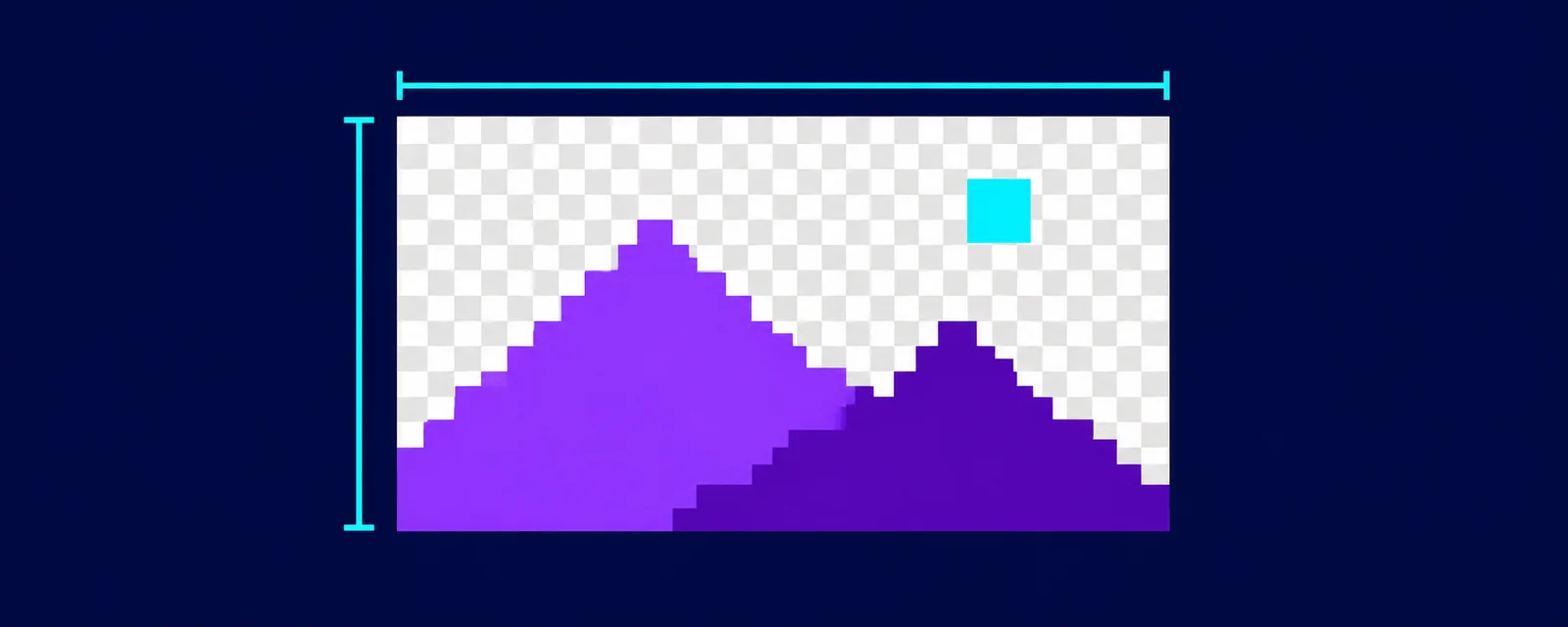
Check PNG dimensions, file size and pixel transparency for supported PNGs, even if a preview shows a checkerboard. Free, runs in your browser; no upload.

visual assets
Choose PNG or SVG for your project. Compare raster pixels, scalable shapes, transparency, editing and a measured example from our own brand assets.
Before you choose
Review the preview, file types, dimensions, editability, compatible software, included variations, and the exact license attached to the product.
No. Commercial permission depends on the product's listed license. A preview or category description is not a grant of commercial-use rights.
No. Absolutely Nothing is one opaque, near-white 1024 × 1024 PNG with subtle tonal variation. It is flattened, with no transparent overlay, editable layers or vector file included. Check the product page for exact contents, availability and selected use terms.
The responsive preview is a WebP image up to 512 × 512 pixels. The original file is a 1024 × 1024 PNG. Use the original file's dimensions and format when deciding whether it fits your project.
Keep exploring
Use the category guidance to compare planners, spreadsheets, and dashboards by platform, workflow, and editability.
Read template guidanceNexus Guides currently lists one two-page satirical marketing PDF. Review its exact contents, format, availability, and use terms.
Review the guideUse the category guidance to check an AI workflow's task, required inputs, platform, steps, and output format.
Review workflow guidance